Dusk Twilight Princess download
This page is a safe download guide. It sends users to the official Dusk project sources and explains which platform file to choose. The project is now published as Dusklight, formerly Dusk. This site does not host builds, ROMs, ISOs, RVZ files, or copyrighted game data.
Official Dusklight v1.2.0 release files
Users searching for Dusk Twilight Princess download usually want the fastest path to the program. The best answer is a verified official file table, not a mirror. These links point directly to the official TwilitRealm GitHub release assets for v1.2.0, published May 18, 2026 UTC. Older files were named Dusk-*; current files are named Dusklight-*.
| Use case | Official file | Download source |
|---|---|---|
| Windows PC | Dusklight-v1.2.0-win32-x86_64.zip | GitHub asset |
| Steam Deck / Linux desktop | Dusklight-v1.2.0-linux-x86_64.AppImage | GitHub asset |
| Android phone or handheld | Dusklight-v1.2.0-android-arm64.apk | GitHub asset |
| iPhone / iPad sideloading | Dusklight-v1.2.0-ios-arm64.ipa | GitHub asset |
| Apple silicon Mac | Dusklight-v1.2.0-macos-arm64.zip | GitHub asset |
| Intel Mac | Dusklight-v1.2.0-macos-x86_64.zip | GitHub asset |
Official release page
Use this when users want to inspect the tag, release notes, and all assets before downloading.
Latest release shortcut
Use this when users just want the newest official Dusklight build for Twilight Princess.
Dusk is now Dusklight
The official repository has moved to TwilitRealm/dusklight. Searchers will still type Dusk Twilight Princess, Dusk download, and Dusk Android APK for a while, so this guide keeps those terms visible while pointing users to the current Dusklight files.
If you already installed an older Dusk build, use the update guide before replacing files. Back up saves and texture packs first, especially if you plan to use portable mode, a custom data folder, or the new v1.2.0 graphics fallback options.
v1.2.0 also matters for users who previously could not launch the app on some Windows or Android devices. It adds experimental D3D11 on Windows and experimental OpenGL ES on Android, plus a capped FPS option and several crash, input, texture, autosave, and macOS fixes.
Pick the right official build
| Platform | What to choose | Next guide |
|---|---|---|
| Windows | Windows x86_64 zip from the official release assets. | Launch troubleshooting |
| Steam Deck | Linux x86_64 build. The Deck is not ARM. | Steam Deck setup |
| Android | Android arm64 APK from official releases. | Android setup |
| macOS | Pick Apple silicon or Intel based on the Mac. | Known issues |
| Linux desktop | Use the Linux x86_64 AppImage listed in the official v1.2.0 assets. | Known issues |
| iOS | iOS arm64 IPA, with sideloading requirements depending on device policy. | Known issues |
What this page will not provide
- No Twilight Princess ROM download.
- No ISO, RVZ, or disc image mirrors.
- No repackaged Dusk binaries.
- No modified game assets.
That is not just a legal issue. It is also a trust issue. The safest user experience is to link to the official Dusklight release and teach users how to verify their own supported game data.
First launch checklist
- Download Dusklight from the official release source.
- Extract or install the platform package.
- Open Dusk once and confirm the menu loads.
- Select your own supported GameCube disc image.
- If the disc image is rejected, read the disc image guide.
- If Dusk launches but fails visually or with input, read known issues.
How this satisfies download intent safely
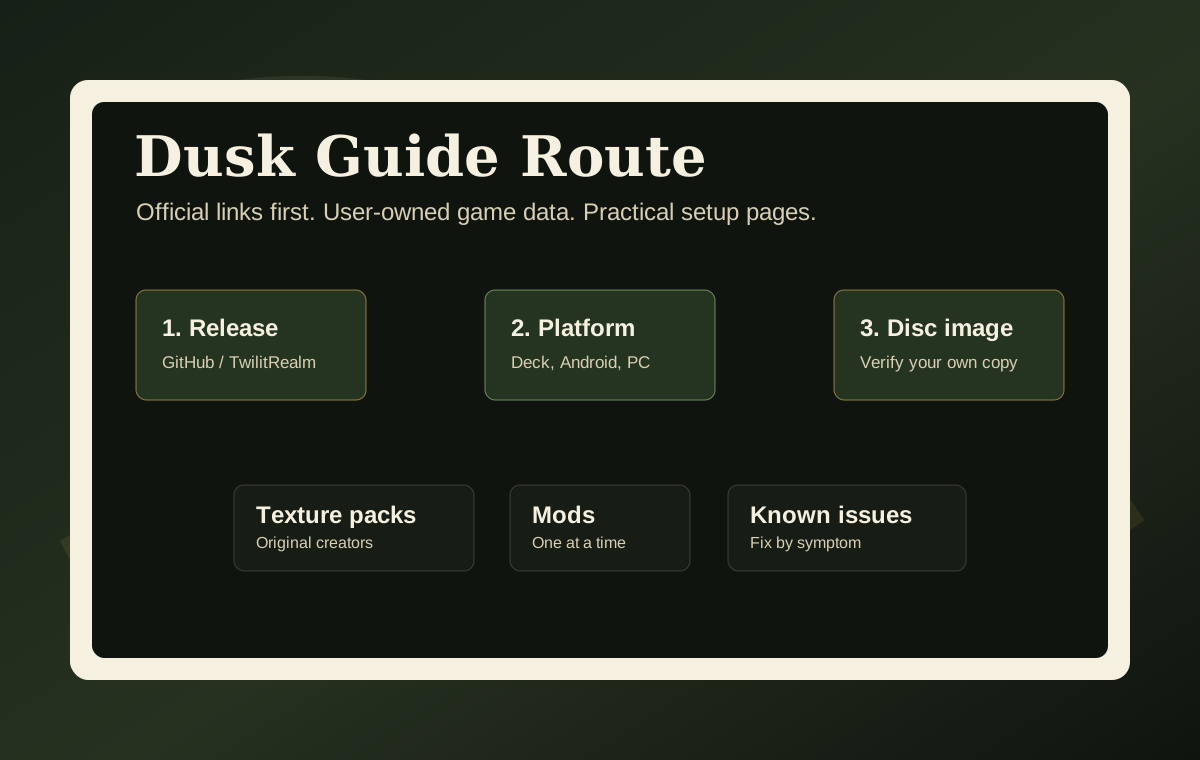
A user who searches for Dusk Twilight Princess download usually wants three separate things mixed together: the Dusk program, the game data, and optional enhancements such as texture packs or mods. This page separates those paths. The Dusk program comes from official GitHub release assets. Game data must come from the user's own supported disc image. Texture packs and mods should come from their original creators, then be installed into Dusk-specific folders.
This structure keeps the user on the site because every next step is linked: Steam Deck install, Android install, texture pack setup, mods, and not working fixes.
The page also prevents a common bounce: users see a Dusklight file after searching for Dusk and assume it is unrelated. The file table keeps the Dusk Twilight Princess phrase visible while showing the current Dusklight naming pattern, release version, platform split, and official source. That gives download searchers the answer they wanted without encouraging unsafe mirrors or copyrighted game-data downloads.
Official links
TwilitRealm official site is the project-level source. Use GitHub Issues for reproducible engine bugs.